


Hi! My name is Arcadie, and I’m a Custodian at Starship. I primarily help out as the house-trained Project Manager. In my real-life persona, I have also worked as a project manager and hold a Master's in Environment Design (game design/art). I’ve spent years working as a 3D artist, lead game developer, environment designer, and lecturer for 3D and game design.
I’d like to share some knowledge I’ve accumulated over years of working in the 3D and games industry in hopes that our lovely community will find it helpful as they build their homes. This article aims to bridge the gap between creative design theory and the practical mechanics of the player housing system.

About Player Housing
Player Housing is a new system that lets players own a personal instance of a home within a larger shared neighborhood, which can be public or private. It features an editing toolset that enables you to customize the building's structure, landscaping, and interior rooms.
Players collect Decor (the collective term for furniture, structural pieces, trees, flowers, food, and more) through quests, achievements, professions, drops, and vendors. These items can then be placed freely in 3D space to create unique environments.
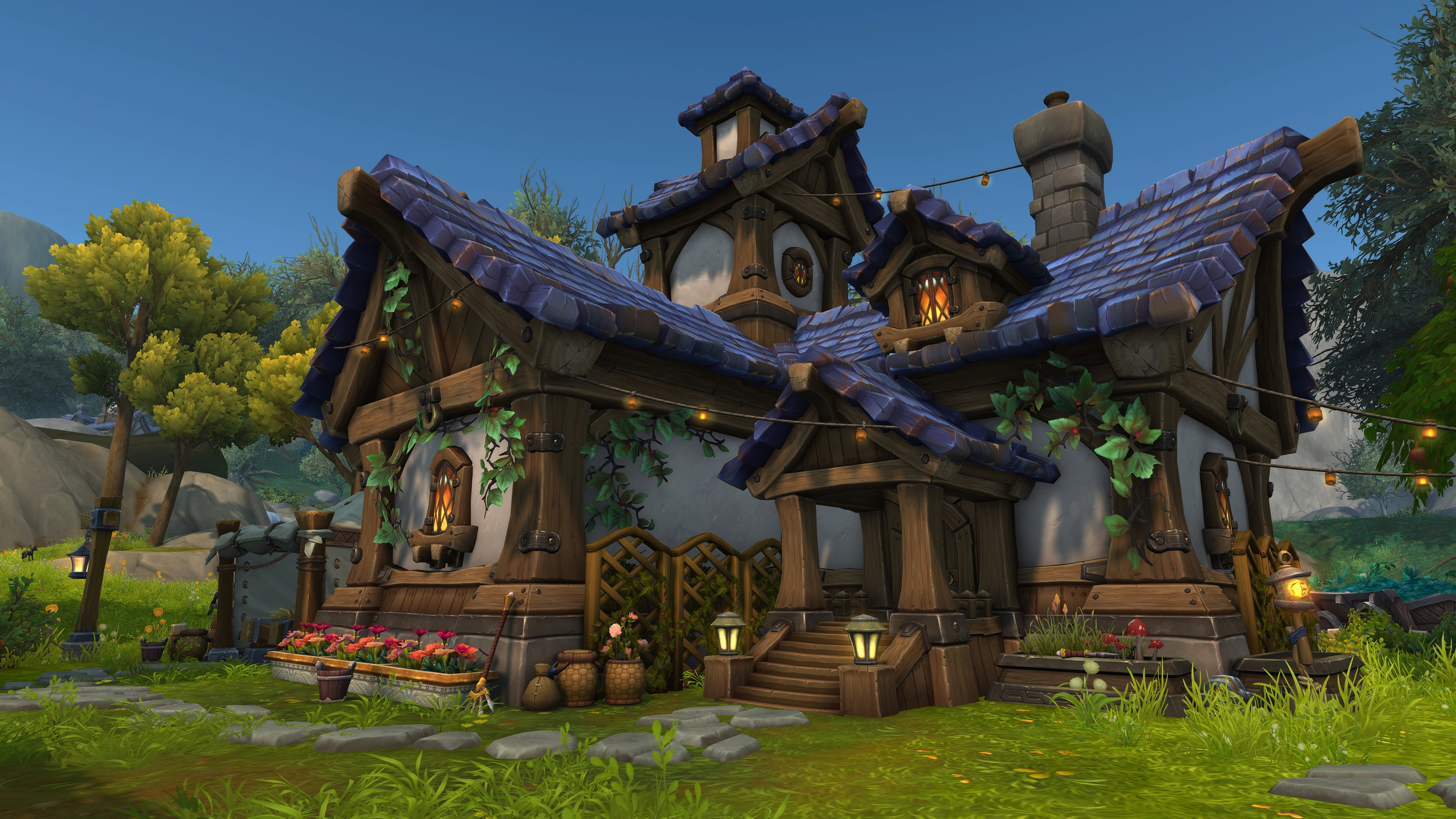
Players often approach Player Housing as a decorating system. They place furniture, pick a layout, maybe add a few personal touches, and call it done. This guide looks at it from a different angle. Rather than a step-by-step manual or a list of items to collect, this guide focuses on how to think through the design of a space. It borrows from environment and level design practices, visual storytelling, and 3D art to help you treat Player Housing as an environment rather than a pile of objects.
Some of the concepts discussed here come directly from my professional experience outside the game, and that perspective shapes both the structure and the flow of the guide. You don’t need to be an artist or designer to apply any of this, but you may notice that the approach leans more toward observation, intention, and iteration than strict rules.
If you’re looking to understand why specific spaces feel believable, cohesive, or interesting, this guide might give you tools to get there. The practical housing fundamentals are covered later on, but they exist to support the creative process, not replace it.
Think of this as a design lens you can apply to your own home, rather than instructions on how it should look.

Design Disciplines & Philosophy
Hot take: game design isn’t a real discipline, or at least not entirely. It steals or “borrows” philosophy and methods from older, more established disciplines like architecture, philosophy, psychology & literature. If you want to be a good game designer, you strengthen your knowledge and skills by studying some of these disciplines. But how does this relate to player housing? Well… 3D design discipline follows the same pattern. It borrows methods from painting, photography, cinematography, storytelling, and many more.
For instance, when I learned environment design, my teachers told me to study two things:
Architecture
Trees
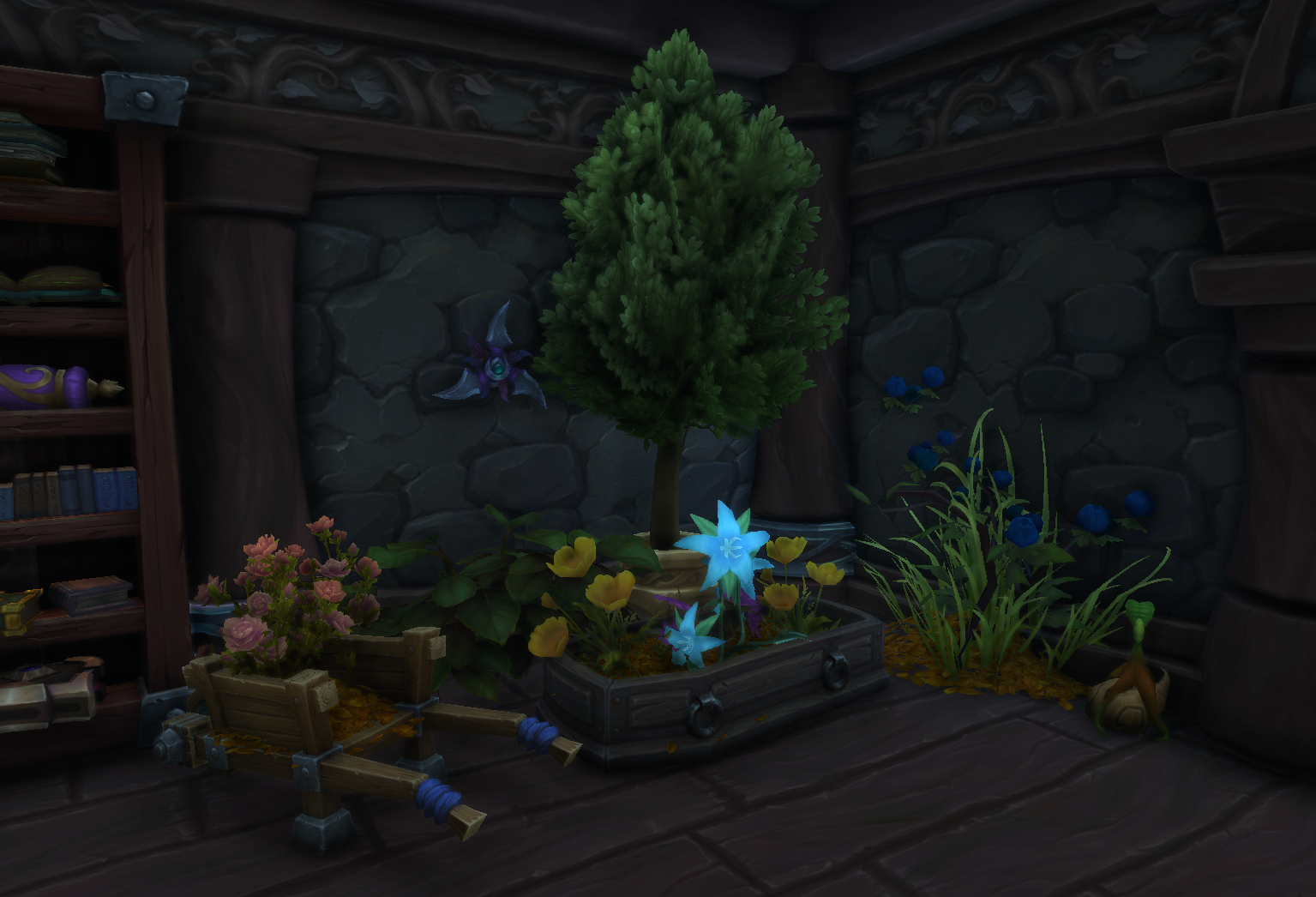
Studying architecture would give me an understanding of how buildings are constructed, a sense of negative space, and an appreciation of what a human-made structure looks like. Studying trees gave me an understanding of organic nature, how roots wrap around stones, and how their leaves stretch towards any light source.
By observing the real world and reflecting on the nature of things, you come to understand “how things should be”. And interestingly, by not following the way of things, you might tap into something unique.
When 3D artists go on holiday, they stand out. Normal people take pictures of a castle, whereas 3D artists take a close-up picture of the brick texture.

Player housing = level/environment design?
A bit of philosophical housekeeping, but even video game industry experts often get confused when talking about level design and environment design. The way I learned it was:
Level Design: A discipline of game development involving the creation of video game levels, locations, stages, or missions. Level design is both an artistic and technical process. The level designer decides where the player can go, why they go there, and what happens along the way.
Environment Design: Visual design specializing in indoor or outdoor setting for a game. Responsible for creating the majority of the overall visuals the player will encounter on the screen, and for strengthening the story being told by visuals. The environment designer decides how the place presents itself to the player, what story the space should tell visually, and make it feel believable or evocative.
Another way of looking at it is that level design determines everything a level should be, from technical aspects and user experience to level flow and visuals. In contrast, environment design focuses more on the audiovisual/art.
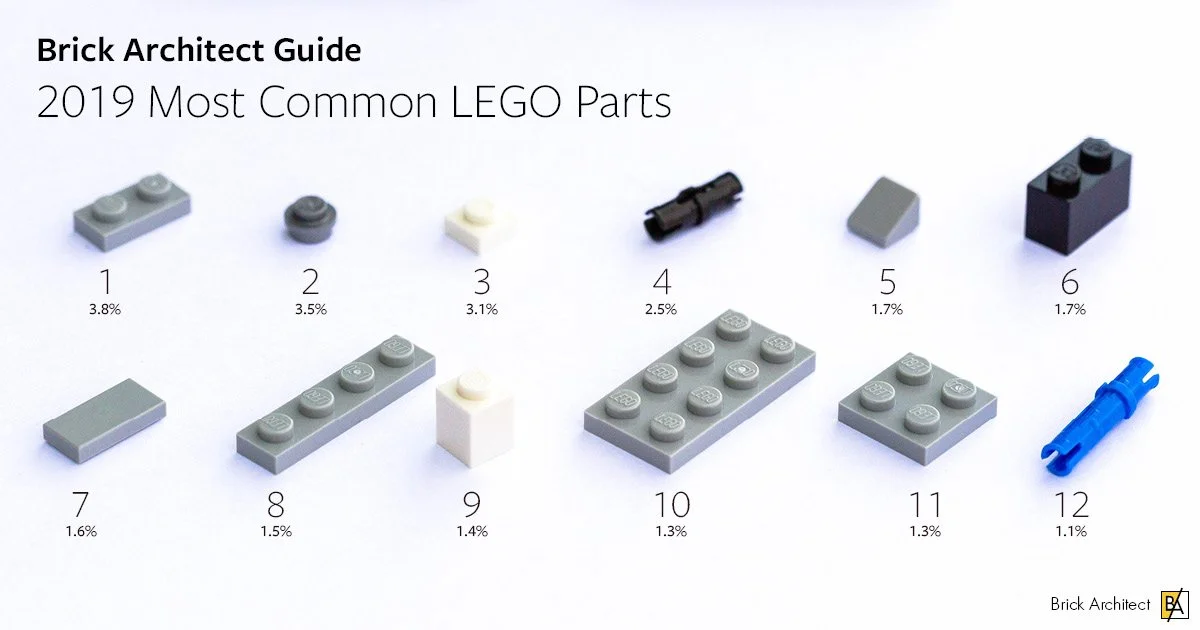
When thinking about environment design, I’ve often used LEGO as an analogy for the environment designer's toolbox. You have a set number of parts, but you might be missing one to complete your environment. In large teams, the environment designer might not have the luxury or skill set to create their own 3D models and may have to use what other artists provide. So (just like with LEGO), you mix and match the assets you have available to create your environments.
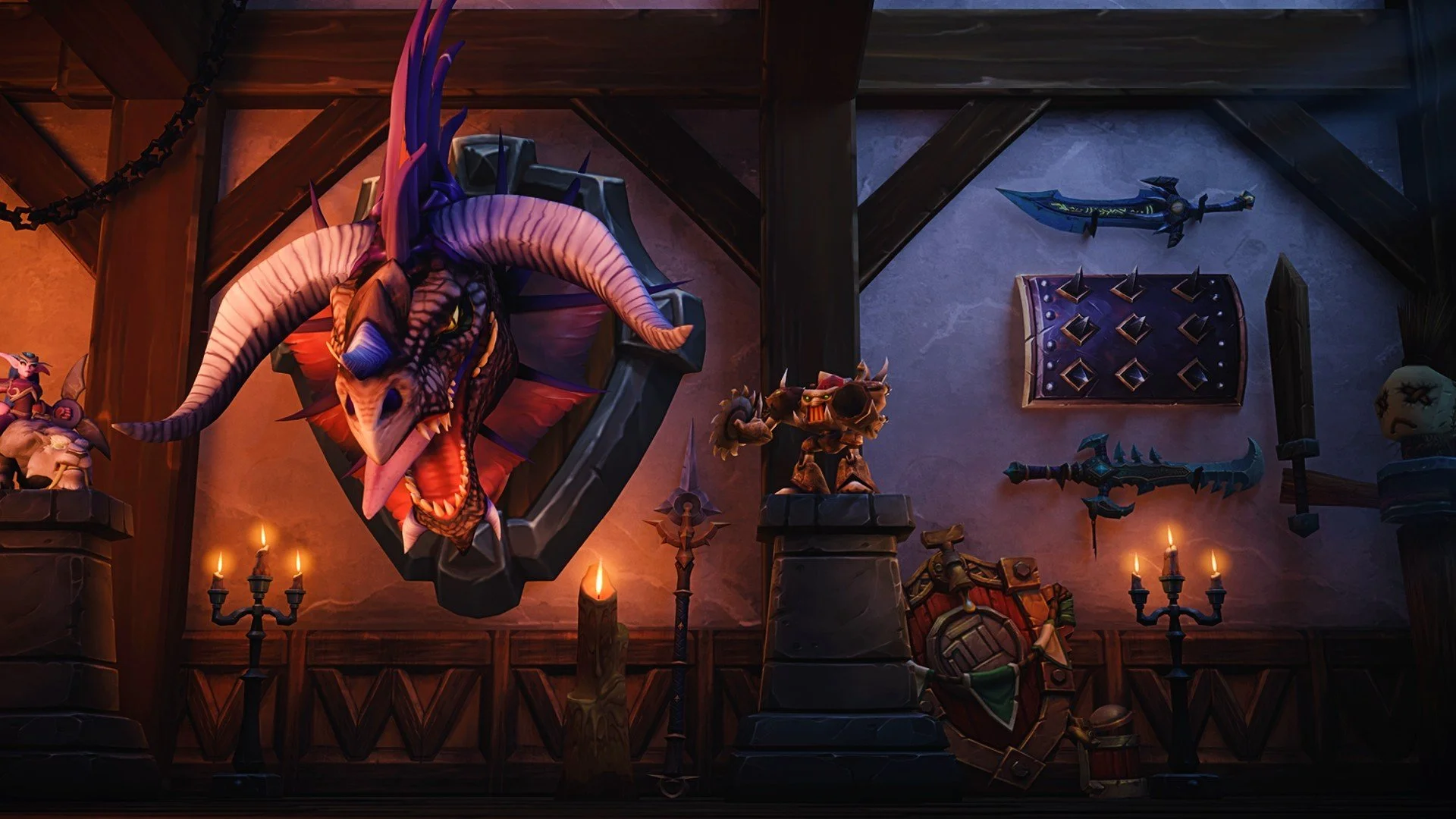
In miniature model-making(like Warhammer), there is a method called kit-bashing, taking two completely unrelated model kits, say, a tank tread and a spaceship engine, cutting them apart, and gluing them together to create something entirely new. It’s about ignoring what the box says the piece is and looking at the shape itself.
How does this apply to Player Housing? In World of Warcraft, you can’t cut models apart, but you can clip them into each other; this is our version of kit-bashing. The game might tell you an item is a "Vase," and another is a "Table," but if you sink the vase into the table so only the rim shows, you’ve just created a "Bowl."
If you combine a floating rock, a few wooden planks, and a lantern, you haven't just placed three random items; you've "bashed" them together to build a custom fireplace that doesn't exist as a single item in the game.
When looking at an item, look at its geometry. Is it a flat circle? A long pole? A textured square? Once you start seeing items as shapes rather than "chairs" or "books," you will unlock the ability to build almost anything.

Idea/inspiration phase
Everyone is different. Some of you might want to plan everything in detail first, sketch a layout, gather moodboards, inspiration/reference images, and then start. Others might want to jump right in and see what happens. Either approach is good; both yield results.
Having a plan is good, but experimenting along the way and discovering new ideas while you create are equally good. In the past, I would often build something, rip it apart, and rebuild it differently before I was happy. The first iteration is usually your worst work. If you want something polished, think of environment design the same way you would draw a painting: sketch a rough outline first, erase parts you are unhappy with, redraw the outline, work on your silhouettes, add lighting, add detail, and refine/redo.
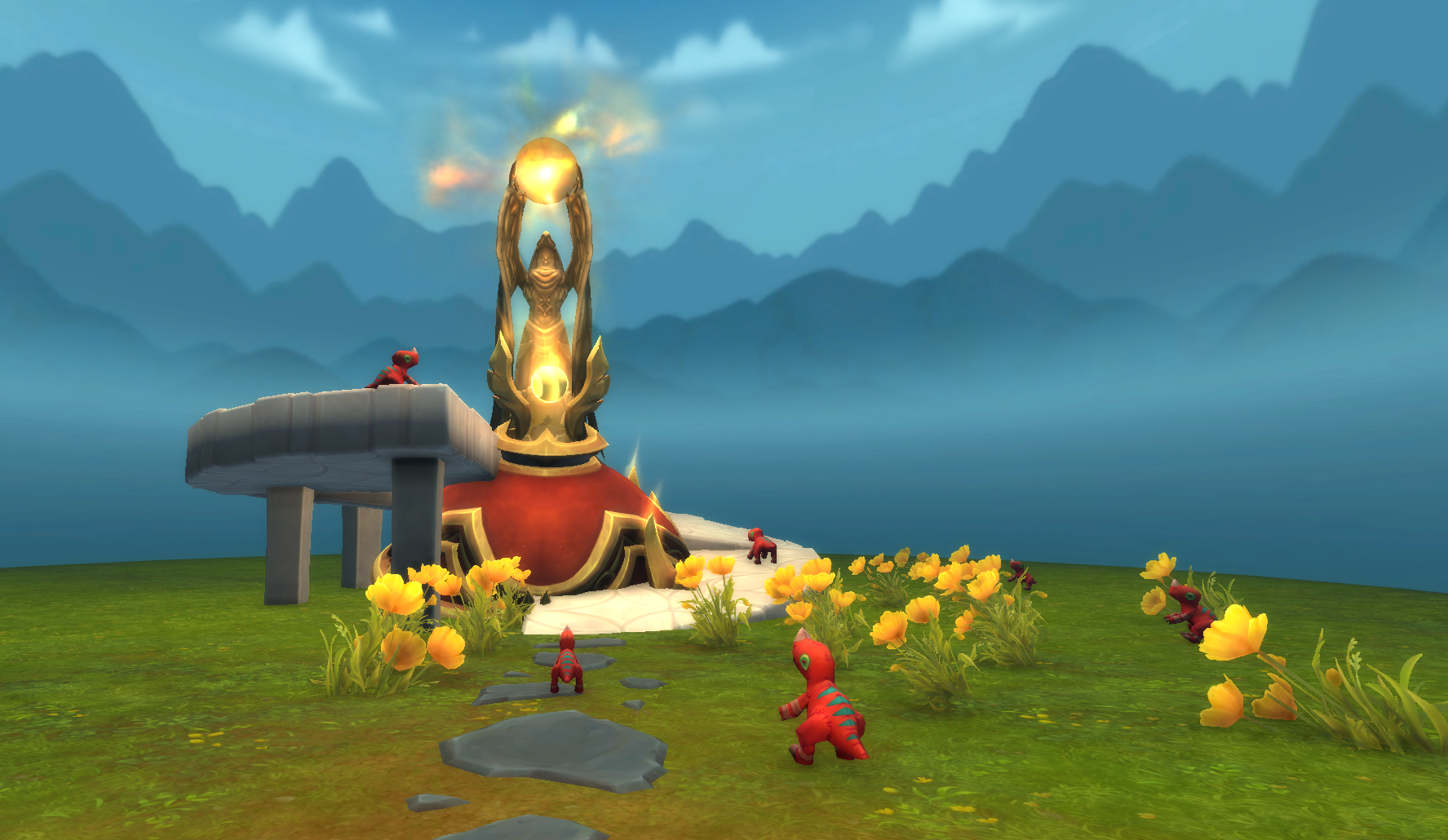
To quote Bob Ross:
“There are no mistakes, just happy accidents.“

References
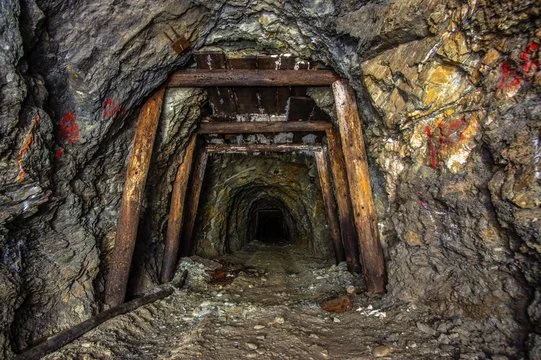
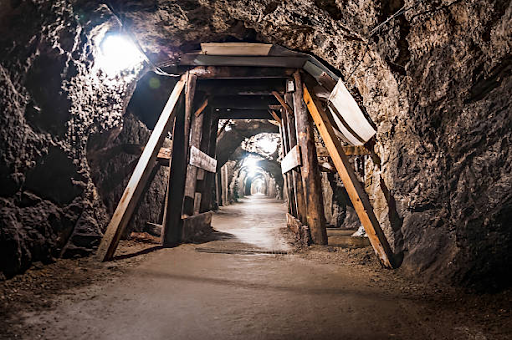
A great tool for any visual artist is references. Let’s say you are building a mine. Do you instinctively know how to place support pillars? How does a mine shaft work? What tools do they use? Where are the lights placed? Do a quick image search for a coal mine, and you’ve already increased your foundation to make better decisions when you’re making your own creation.

Moodboards
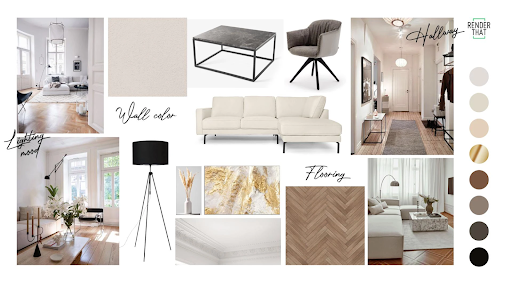
Moodboards are visual collages of images, textures, materials, and colors that bundle ideas and communicate them clearly. They are quick to make and provide a visual guideline you can follow. It might help you to see what fits together and what is just “noise”.

Storytelling
A powerful tool for designing an environment is storytelling, and I firmly believe it might be the strongest tool you have.
Environmental storytelling is the discipline of telling a story about how the environment is designed. Who lives here? Are they tidy or messy? What background do they have? How long have they lived there? What is their social standing? What do they like to spend their free-time doing? What’s important to them? What does a routine for them look like? Has something happened today? Is something out of place? Etc. etc.
Having a background story in mind might help you visualize better what you are about to create, and potentially align the overall design much better, but let’s demonstrate an example:
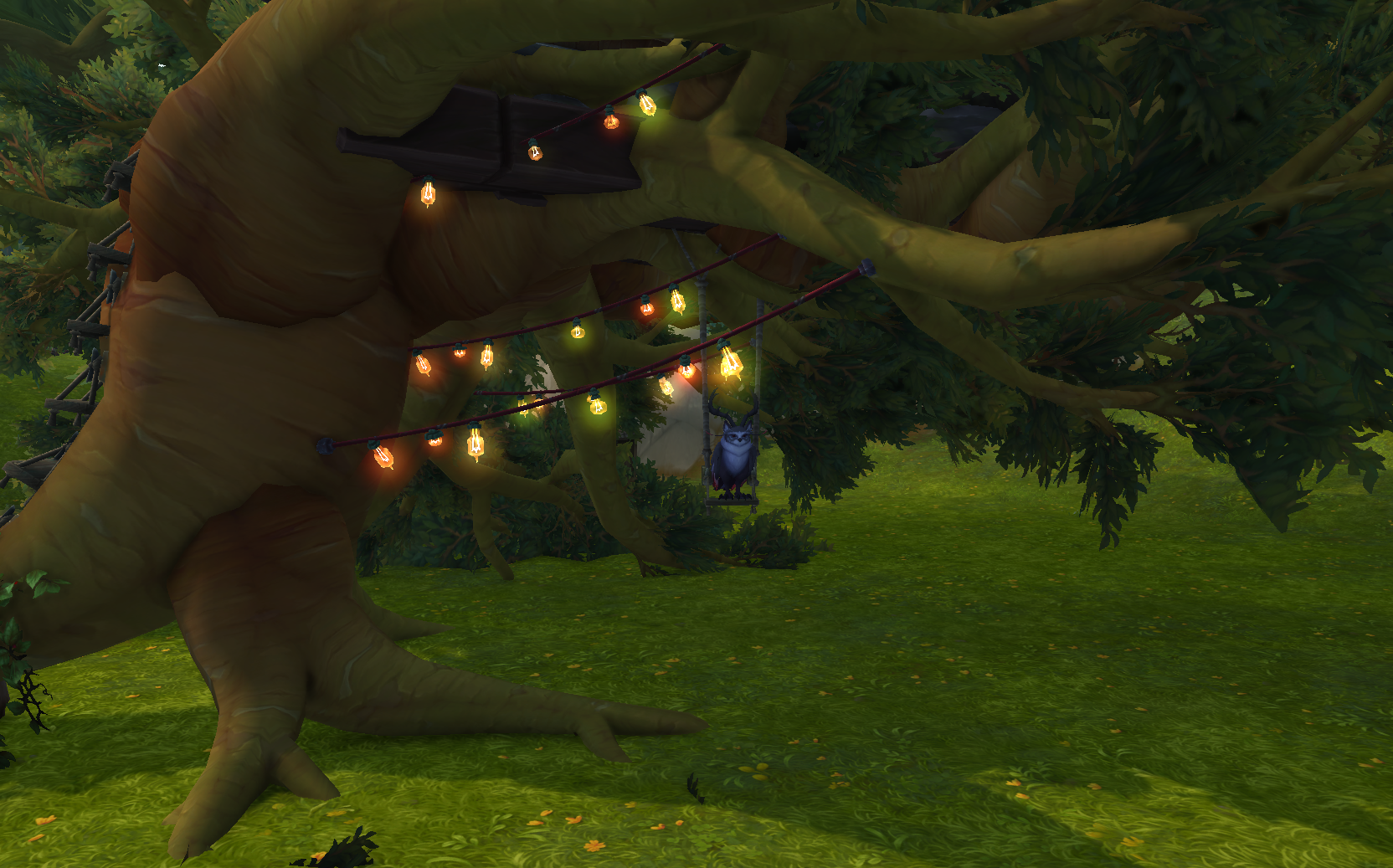
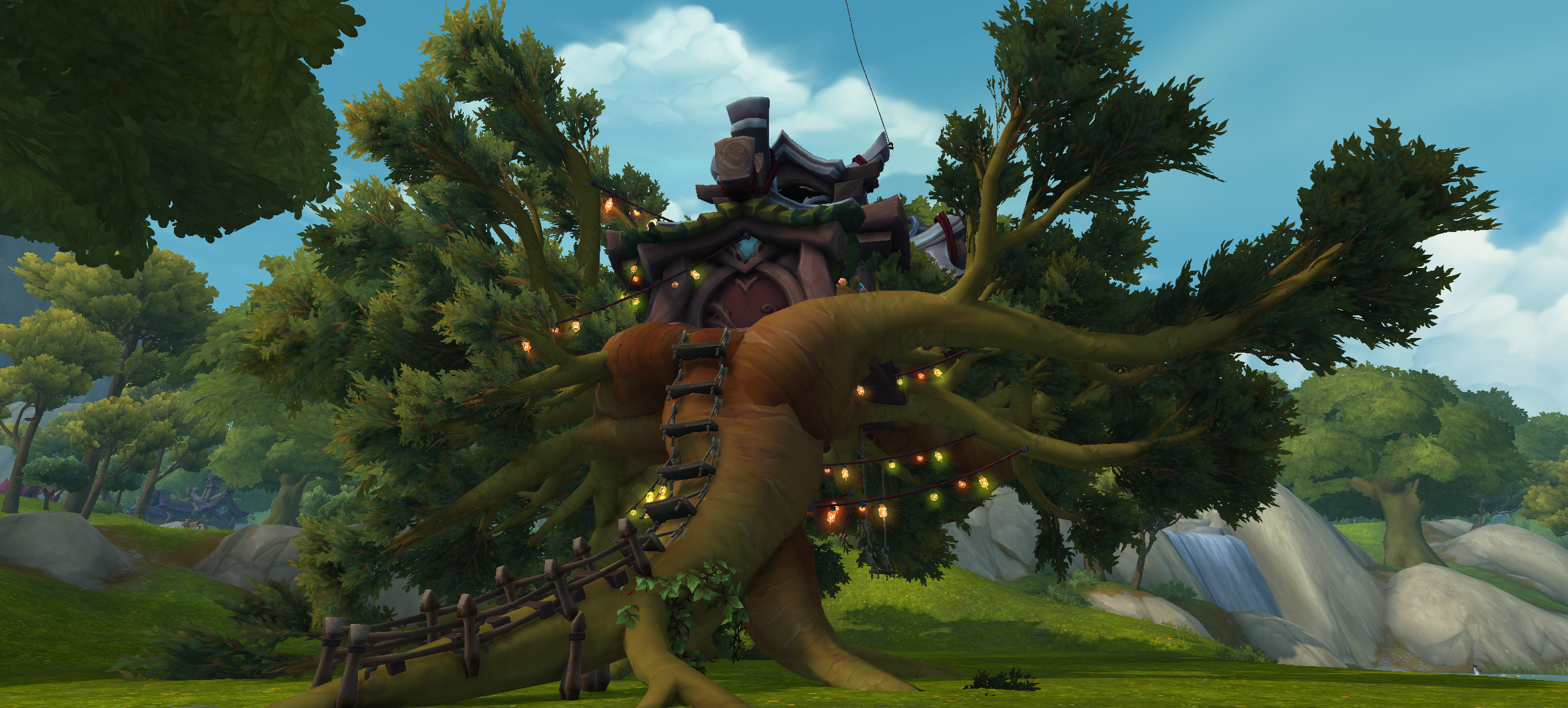
My druid Arcadie is a character that hasn’t spent much time in urban areas or civilization; she’s always been on the move, jumping from crisis to crisis. In her early travelling days, she trekked from Teldrassil to Westfall on foot, she’s been in the Emerald Nightmare, time-travelled to see the Black Empire in its glory days, and spent a lot of time killing bugs. She’s a druid at heart, which means she’s close to nature.
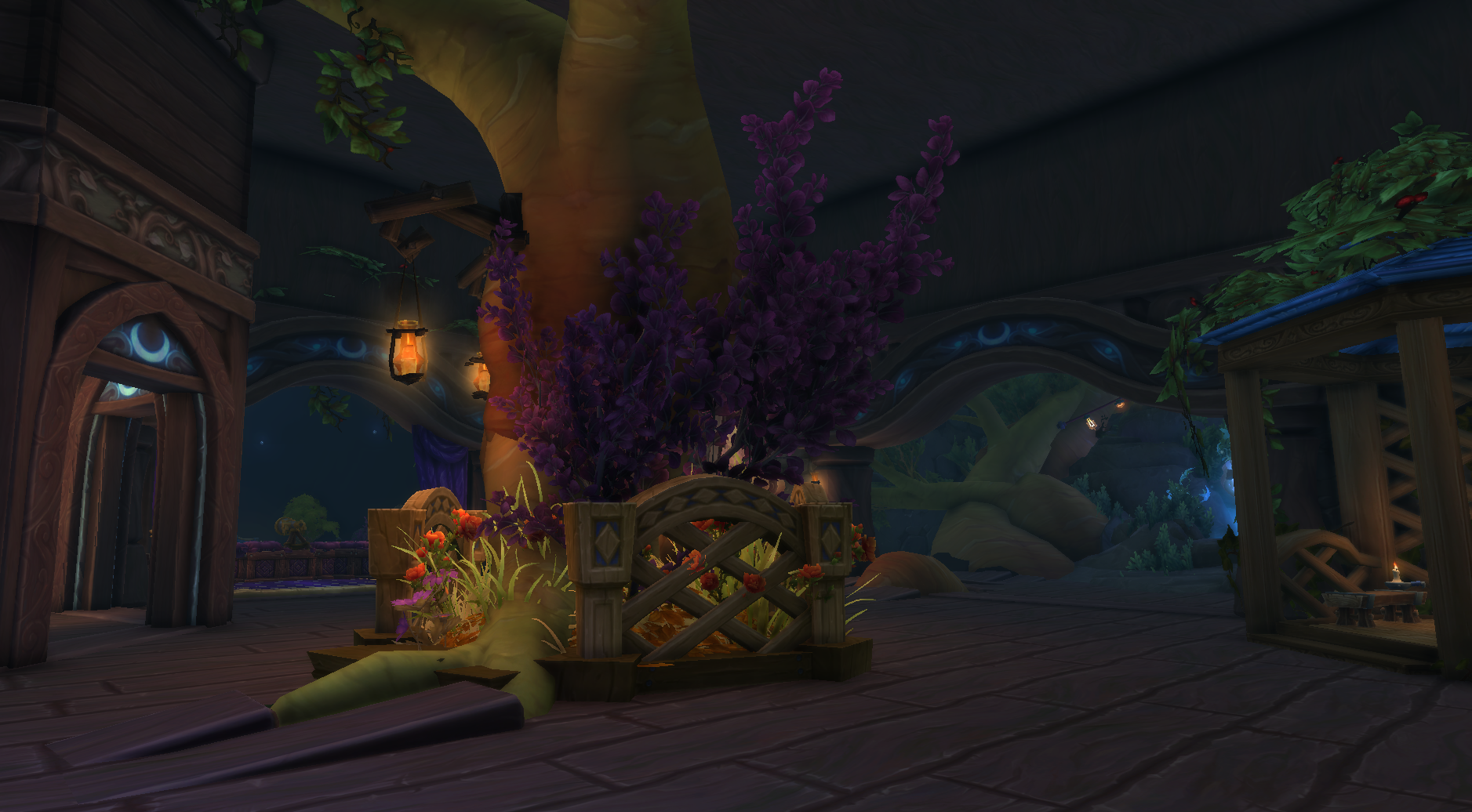
So when I’m thinking about how to design Arcadie's home, I’m thinking she would incorporate nature into it as much as possible. Living in a plain wood structure (cabin) is alien to her, so she would bring in flowers, trees, rocks, animals, anything from nature to feel closer to it. When I followed this logic, it made sense to me that she would build a treehouse and that the tree and plants she brought inside would thrive under her care. Since she’s a druid, she wouldn’t necessarily need the house to be on ground level either (because of flight form), so an elevated house makes sense.
However, even the best creative vision needs to work within the limitations of the tools you are using, so in this next section, we’ll cover some practical foundations for Player Housing.
Neighborhoods
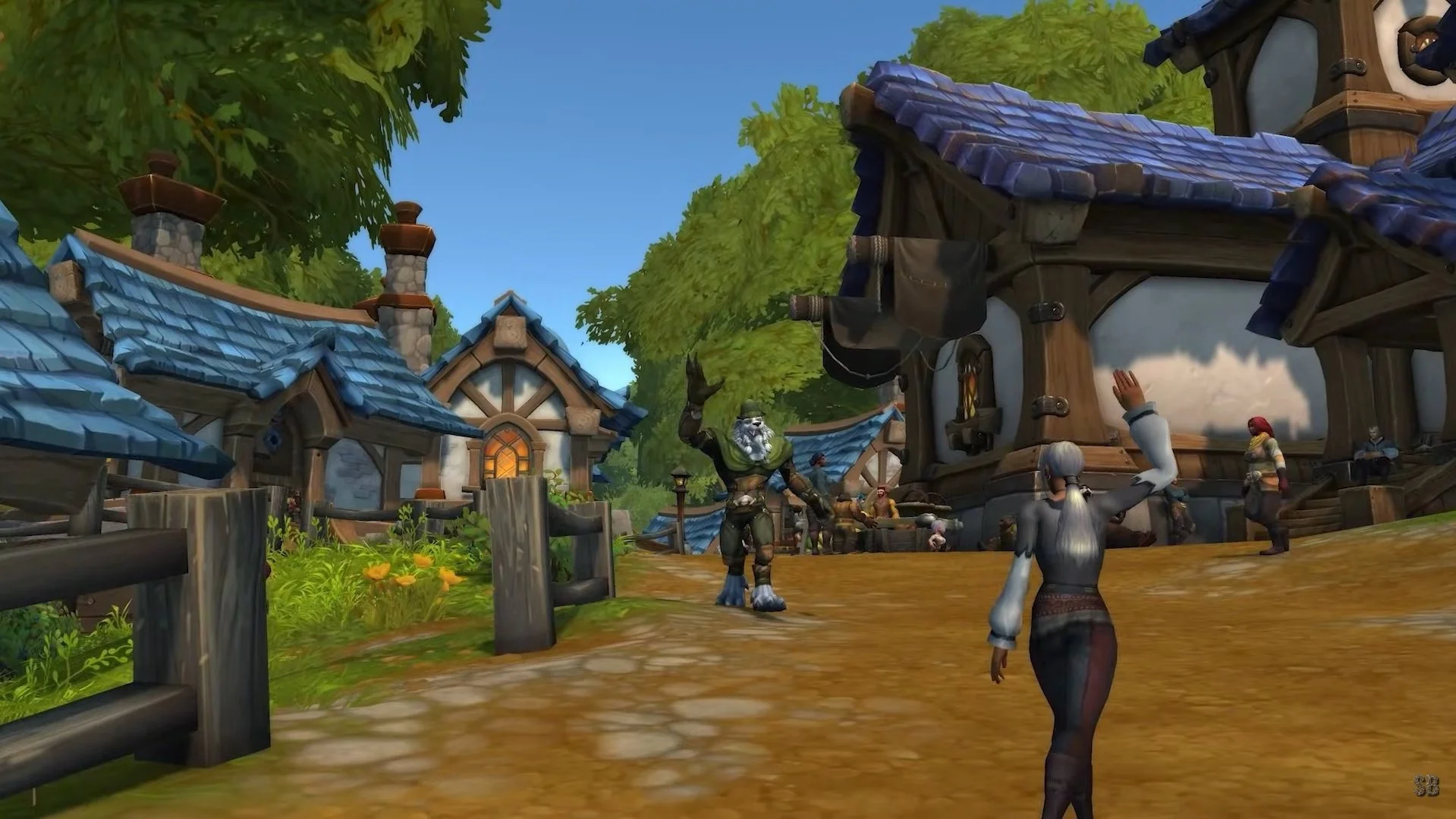
As of writing, there are two different neighborhoods available:
Founder’s Point for Alliance
Razorwind Shores for Horde
If you are in a guild, the guildmaster picks either Alliance or Horde neighborhood, and all guildmembers have plots in the neighborhood the guildmaster picked.
Each neighborhood has 55 plots. When the guild neighborhood is about 80% full, a second instance of the same neighborhood will be available. That means if you found a plot# that you’ve grown attached to, you can still get that plot (you just have to wait for the current neighborhood subdivision to fill up).
For more information about neighborhoods, I recommend reading this Wowhead article.
Endeavors
Endeavors are monthly activities that everyone in the same neighborhood completes together. By completing Endeavor Tasks, you will receive House Exp points as well as unlock new items from a special Endeavor vendor. For guilds, the Guild Master selects which Endeavor each month.
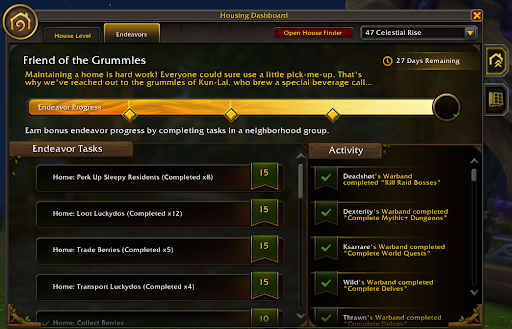
For more info, please see:
https://www.wowhead.com/guide/player-housing/neighborhood-endeavors-events-rewards
Decor
Items/assets/models in player housing are called decor, and you collect them either from a vendor, professions, achievement, quest, or drop. Items in your library are finite, so if you want multiple copies of the same item, you need to find a vendor that sells said item and buy extra copies.
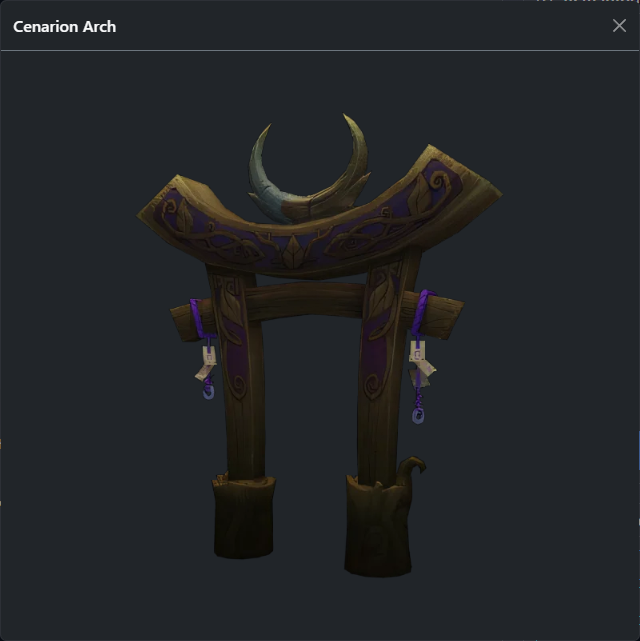
Example: the Cenarion Arch is unlocked by completing the Achievement Raise an Army for the Dreamgrove, but it only rewards one item. To have more copies, you need to find the vendor Amurra Thistledew in The Dreamgrove and buy each new copy for 2000 Legion Order Resources. This isn’t currently intuitive in the default UI, so I recommend using the housing.wowdb.com site or the Homebound/Decor Vendor addons (see at the end of this article).
Limits
Decor limit
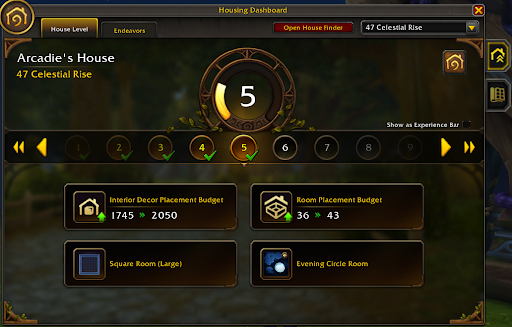
There’s a limit on how many decor items you can place in the interior and exterior of your house (decor budget limit). As of writing, it is currently set to 250 for exterior and 1450 for interior at level 3. Each decor item has a number attached that shows its “cost” when you place it. The general rule is: 5 decor for large items, 3 for medium, and 1 for small items.
Room limit
You can edit your room's layout, and each layout also comes at a cost. A small closet costs 2, bigger rooms cost X.
Both decor and room limits can be increased by leveling up your house. You currently level up your house by collecting new, uncommon, unique items in your library (common vendor items don’t count) + completing endeavor tasks.
Decor library limit
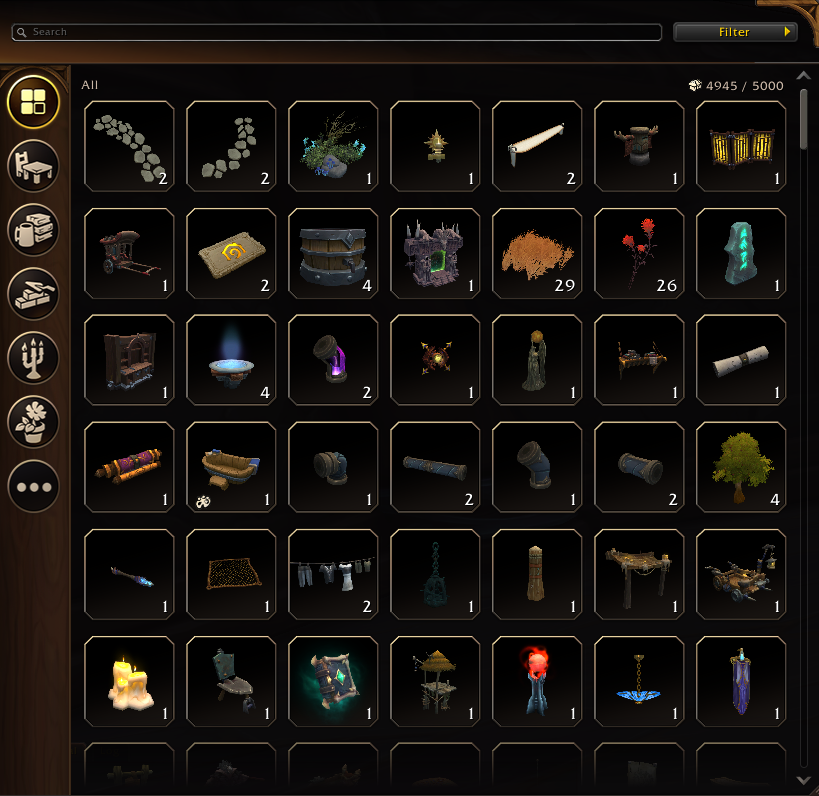
You are limited to how many decor items you can have in your library (5000 as of writing), so if you are considering going on a shopping spree and buying 200x of each item from every vendor, just be aware that this limitation is in place.
Transforms
There are 3 different ways of changing items after you’ve placed them:
Translation (XYZ) / movement
Rotation (XYZ / roll/yaw/pitch)
Scale (uniform)
In Basic mode (1), you click an item from the asset library and place/move the item with a mouse cursor. If you want to replace the item, simply click it again and move your mouse. To rotate the item, you scroll your mouse.
Useful tip for grouping items: In simple mode, you can group items by placing them on top of each other. Example: Place a fruit plate on the table, then click the table to move it; the fruit plate will follow (Note: Advanced mode breaks this behaviour).
In Advanced mode (2), you can fine tune movement/rotation and scale of items
What is collision?
In video games, collision or collision objects are invisible shapes that block a player from passing through them. They are commonly used as invisible walls to prevent players from entering areas the game designers don't want them to reach, or as part of furniture so the player doesn’t go through a table.
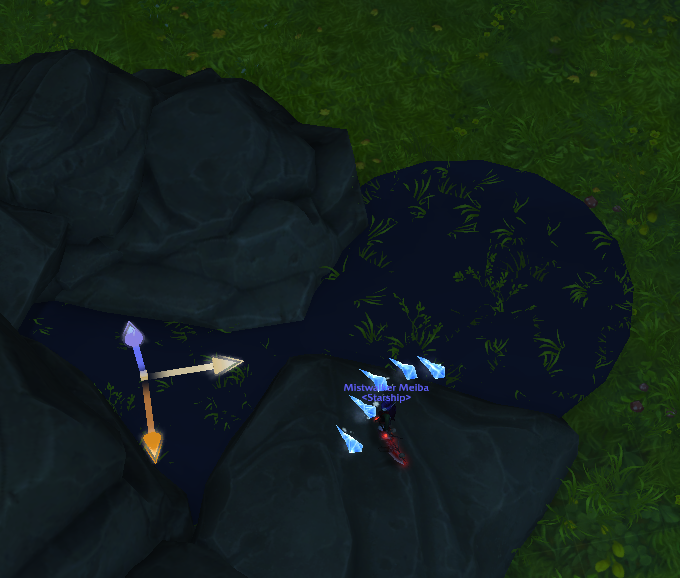
Hotkeys
When rotating: Hold down shift to rotate in 15 degrees increments
When scaling: Hold down shift to scale by 10 each mark on the slider
You can also use hotkeys to rotate and switch axes. Since Player Housing doesn’t support local rotation, this hotkey method is the next best option if you want precise placement.
Video showcases
If you are curious about my building process, please check out these videos:
Light vs Dark - player housing timelapse (16 mins):
https://www.youtube.com/watch?v=MmmXOekbI2g
Arcadie - Player Housing showcase (horde) (2:33 mins):
https://www.youtube.com/watch?v=MCPWvxuUajQ
Arcadie - Player Housing showcase (alliance) (3:45 mins):
https://www.youtube.com/watch?v=fSuRJNSTwGQ
Building a flowerbox(4:18 mins):
https://www.youtube.com/watch?v=GMOdAt6S_sk
Building a stew cooker (2:07 mins):
https://www.youtube.com/watch?v=DsGPG4BNZ4M
Re-purposing candle light as frying pans (1:19 mins):
Thank you for taking the time to read this. I hope it inspires more builders out there.
Useful resources
Starship Discord channel: https://discord.gg/3B5sBGMQ (join us!)
Starship Discord forum -> Starship Neighborhoods! (housing showcase/discussion forum) https://discord.com/channels/961568493705256990/1445452336196751577
https://www.wowhead.com/guide/systems/player-housing-overview - overview of player housing feature
https://www.wowhead.com/guide/systems/player-housing-neighborhoods - overview of player housing neighborhoods
https://www.wowhead.com/guide/systems/player-housing-exterior-customization - overview of exterior customization
https://www.wowhead.com/guide/systems/player-housing-interior-customization - overview of interior customization
https://housing.wowdb.com/ - database of available decors to collect, community-made sets, tools for tracking/floor plan editor, and more
Subreddits for player housing showcase:
https://www.reddit.com/r/wow/ - flair: Housing
Addons:
Plumber: https://www.curseforge.com/wow/addons/plumber - great quality-of-life addon, for housing, it adds the ability to duplicate a decor item that you have placed
Decor Vendor: https://www.curseforge.com/wow/addons/decor-vendor
TomTom: https://www.curseforge.com/wow/addons/tomtom - recommend to use together with Decor Vendor
Krowi Extended Vendor UI: https://addons.wago.io/addons/krowi-extended-vendor-ui - Extend the Vendor UI by up to 5 rows and 4 columns
Homebound: https://www.curseforge.com/wow/addons/home-bound - lists decors you can unlock with achievements/quests